q8880 App: one file, then every game in your pocket
The q8880 app is a 28 MB Android package. Download it once, sign in with the account you already have, and it keeps itself current instead of sending you back here for a new file every few weeks.
Reading this on a laptop? Open the page on your phone and tap the same button, or scan the code in the download section to pull the file straight onto the handset.
18+ · Play Responsibly
- Version
- 3.1.17
- File size
- 28 MB
- Android
- 8.0+
- Updated
- 12 Nov 2026
- Price
- Free
What the q8880 app asks for, and what it never touches
Android shows you a permission list the moment you install an APK, and it is worth reading it once. Here is the short version, so nothing on that screen surprises you later.
-
Files and storage Used to keep the 28 MB installer and a cache of lobby artwork, so the game wall does not reload every time you switch screens. Clear the cache from the app settings whenever the phone feels full.
-
Network access Needed to reach the game servers, refresh cricket markets and send a deposit request to bKash or Nagad. Nothing is uploaded while you are idle with the app closed.
-
Notifications (optional) Cash-out confirmations, deposit credits and bonus expiry reminders. You can refuse this and still play; the same messages appear on the wallet screen inside the app.
-
Never requested No contact list, no SMS reading, no call logs, no location and no camera. If any installer asks for those, you are not holding the official q8880 build, so delete it.
Built around a phone, a wallet and a slow connection
Six things the q8880 app does that people here ask for first, written the way you would actually use them.
Two wallets on one screen
bKash and Nagad sit side by side in the cashier. A deposit usually clears in about 2 minutes, and a withdrawal lands in around 14 minutes once your first KYC check is done.
Small enough for a budget handset
The whole package is 28 MB and installs on Android 8.0 or newer. It is tuned for the kind of phone most players here carry, and it will not choke a 3G line.
Your existing login works
No second account, no second wallet. The app uses the same details as the website, so if you have forgotten them, reset the password from the q8880 login page before you install.
Updates arrive by themselves
Version 3.1.17 patches itself in the background the next time you open the app. You should never have to return to this page for a fresh APK unless you change phones.
A PIN for a shared phone
Set a four-digit app lock so nobody can open the wallet when your phone is passed around. You can also end sessions on other devices from the security screen without calling support.
Cricket and casino together
Slots, fishing, crash rounds, live dealer tables and match markets share one balance, so a wicket falling does not mean opening a second app or moving money across.
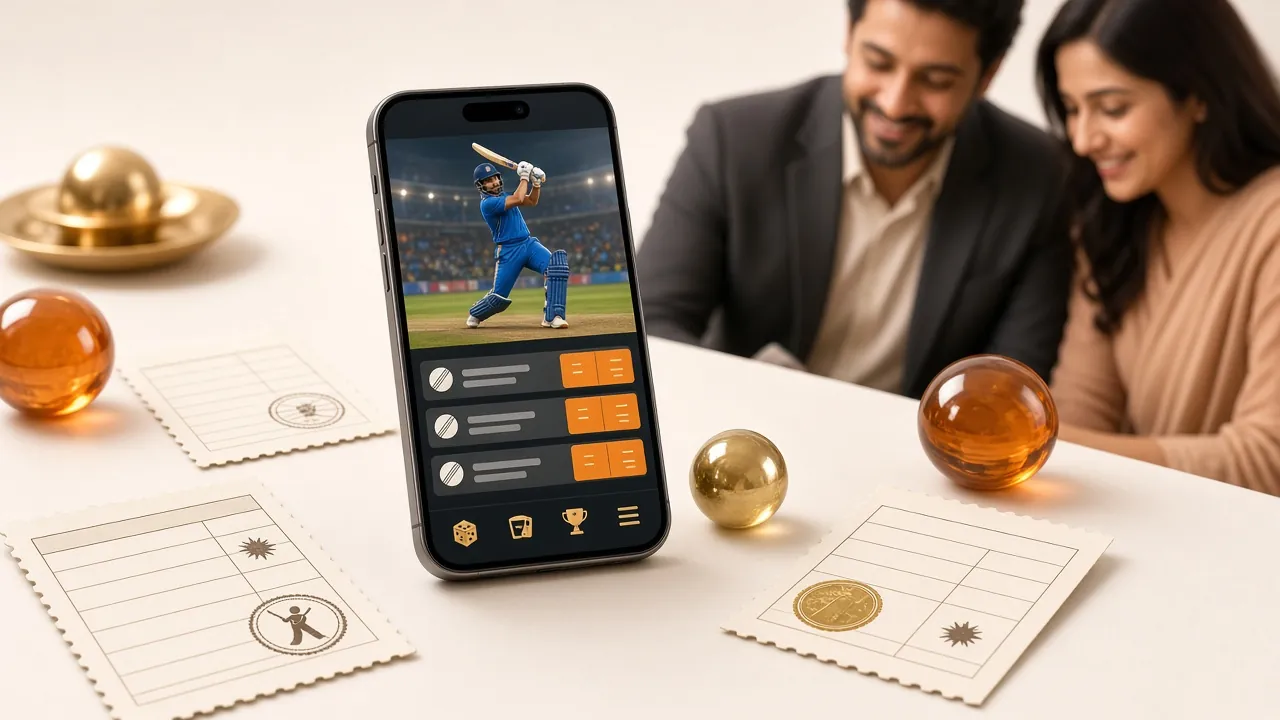
Two games you can open straight after signing in
Both run inside the app without a plugin download. Tap a cover to see the full lobby, or read the game rules on the casino page before you stake anything.


Download the q8880 APK
One file, no installer wrapper, no third-party store. Save it, run it, and Android will handle the rest.
Install it in the time it takes to boil tea
The download is a single Android package named q8880.apk and it weighs 28 MB. On a home broadband line that is a few seconds; on mobile data, give it a minute and keep the screen awake so Android does not pause the transfer.
No account yet? Register first and the app will open on your new wallet. Already playing on the website? Use those same details and skip the sign-up.
Point your phone camera at the code to open the same file without typing the address.
| Item | Detail | What it means for you |
|---|---|---|
| Version | 3.1.17 | The current build. Older files still work but stop receiving fixes. |
| File size | 28 MB | Keep at least 100 MB free so Android can unpack and install it. |
| Android minimum | 8.0 | Anything older cannot open the package, so check the phone first. |
| Last updated | 12 November 2026 | Install once from here and later builds arrive inside the app. |
| Price | Free | The download costs nothing. Only your own stakes move money. |
| Languages | English, Bangla | Switch between them in the app settings without reinstalling. |
App or browser: choose by the way you play
The app is not compulsory. If you play once a month on a shared phone, the website is the better tool. Here is where the two actually differ.
| What you get | q8880 app | Mobile browser |
|---|---|---|
| Getting started | One 28 MB APK, then it lives on the home screen | Nothing to install; bookmark the page and sign in |
| Data on a weak line | Lighter after the first load because lobby art is cached | Reloads artwork and game tiles on most visits |
| Deposit and cash-out alerts | Phone notification, on by default after you allow it | Only if you keep the browser tab open |
| Staying current | Updates itself in the background | Always the newest build when you refresh |
| Storage used | 28 MB plus a cache you can clear | A few MB, handled by the browser |
| Live cricket markets | Markets refresh in place, one tap to a new price | Works well, but a refresh costs more data |
| If someone else uses your phone | Four-digit app PIN on top of the phone lock | Only the phone lock protects the session |
| Best suited to | Daily players who keep one handset | Trying a single game, or borrowing a device |
Both routes reach the same wallet and the same 4,500 games from Playtech, Red Tiger, KA Gaming, PG Soft and Habanero. Deposits and withdrawals behave identically, and any limit you set on the website applies in the app too.
Install the APK on Android in five moves
The only step people trip on is the first one. Android blocks files from outside its own store until you say otherwise, and that switch is per-app.
-
1
Allow your browser to install files
Open Settings, then Apps, then Special app access, then Install unknown apps. Pick the browser you will download with and switch it on. This is a one-time toggle, and you can turn it back off afterwards.
-
2
Download q8880.apk
Tap the Download APK button on this page. The file is 28 MB, so keep the screen awake and stay on the same network until the notification says the download is finished.
-
3
Open the file and confirm
Tap the finished download, then Install. Play Protect may show a warning about an unknown developer; choose More details, then Install anyway. Only do this for a file you took from this page.
-
4
Sign in or register
Open the app and enter the same details you use on the website. New here? Create the account on the registration page first, then sign in and make your first deposit through bKash or Nagad.
-
5
Let it update by itself
From this install onward, version 3.1.17 and later builds patch themselves when you open the app on Wi-Fi. You only need a new APK if you change phones or wipe this one.
On iPhone or iPad: add q8880 to the home screen
There is no iOS package to sideload, and you should treat any site offering one with suspicion. Safari runs the full site, and the home-screen shortcut opens it without the address bar.
- Open q8880.bar in Safari, not in an in-app browser inside Facebook or Messenger.
- Tap the Share button, scroll the list and choose Add to Home Screen.
- Name it q8880 and tap Add, then sign in once and let Safari remember the session.
When the install stalls
Five failures cover almost every message people send to live chat about the APK. Check the middle column before you delete anything.
| What you see | Likely reason | What to do |
|---|---|---|
| “App not installed” at the end of the install | An older q8880 build is still on the phone, or storage is full | Uninstall the old copy first, free at least 100 MB, then run the new file. Your account and balance live on the server, so removing the app costs you nothing. |
| Play Protect blocks the file | Android flags any package it did not see in its own store | Tap More details, then Install anyway. If that option is missing, turn off scanning under Play Protect settings for the minute it takes, install, then switch it back on. |
| The download stops partway | Mobile data dropped, or the screen locked and paused it | Move to Wi-Fi, keep the screen on, and start again from this page. A half-written 28 MB file cannot be installed even if it appears in your downloads list. |
| You cannot find the file afterwards | The browser saved it to internal storage by default | Open the Files app, then Downloads, and look for q8880.apk. Chrome also keeps a downloads shortcut in its three-dot menu that opens the same folder. |
| The app opens but the login fails | A typo, or stale data from an older build | Reset the password on the login page and try once more. Still stuck? Clear the app cache, not the data, and sign in again before contacting live chat. |
One safety habit worth keeping: only take the installer from this page. A file of the same name sent through a Telegram group or a shortened link cannot be checked, and a modified package is the usual way accounts get emptied.
Questions about the q8880 app
Short answers to the things people ask before they tap install. If your case is not here, live chat is open around the clock.
Is the q8880 APK safe to install?
The file served on this page is the build we publish, with no wrapper, ad module or extra store attached. Android still warns you because it did not come from Play, which is normal for any direct download. Install only from here, keep Play Protect on for everything else, and check the version number reads 3.1.17 after the first launch.
Why does Android warn me about unknown sources?
That switch exists to stop a random page from dropping software onto your phone. It works per app: you allow your browser, install our file, and the permission stays with the browser until you revoke it. Turning it off again after installing is a sensible habit and does not affect the app you just installed.
Do I lose my balance or history if I install the app?
No. Your wallet, KYC status and bet history sit on our servers, not on the handset. The app is only a window onto the same account. You can install it on a new phone, sign in, and see exactly the balance you left behind, provided you have not shared your password with anyone.
How does the app update without a new download?
After the first install, the app checks for a newer build when it starts and pulls the changed parts over Wi-Fi. Version 3.1.17 is what this page serves now, and later numbers arrive the same way. You would only need this page again after changing phones or resetting the handset to factory settings.
What do I do if the install fails twice?
Check storage first, because a 28 MB package needs roughly three times that free while it unpacks. Then confirm Android is 8.0 or newer under Settings, About phone. If both are fine, delete the old q8880 build completely, restart the phone, and download the file once more from this page rather than resuming a broken transfer.
Can I bet on cricket without the app?
Yes, every market is on the website too, including live prices during a match. The app mainly saves data and taps. People who follow a full day of cricket usually prefer it because the market list refreshes in place instead of reloading the page, which matters on a metered connection.
Does the app work on a slow or shared connection?
It runs on 3G, though live dealer tables will stutter. Slots, crash rounds and the cashier stay usable. If several people share one router, play the lighter games and avoid streaming a table in the background. Switching to the mobile browser is a reasonable fallback on a bad evening.
One file between you and the lobby
Take the 28 MB package, sign in with the details you already have, and the next update lands without you thinking about it. Deposits through bKash and Nagad work the same as on the website.
Download APK18+ · Play Responsibly